Performance Prowess Tempered by Practicality
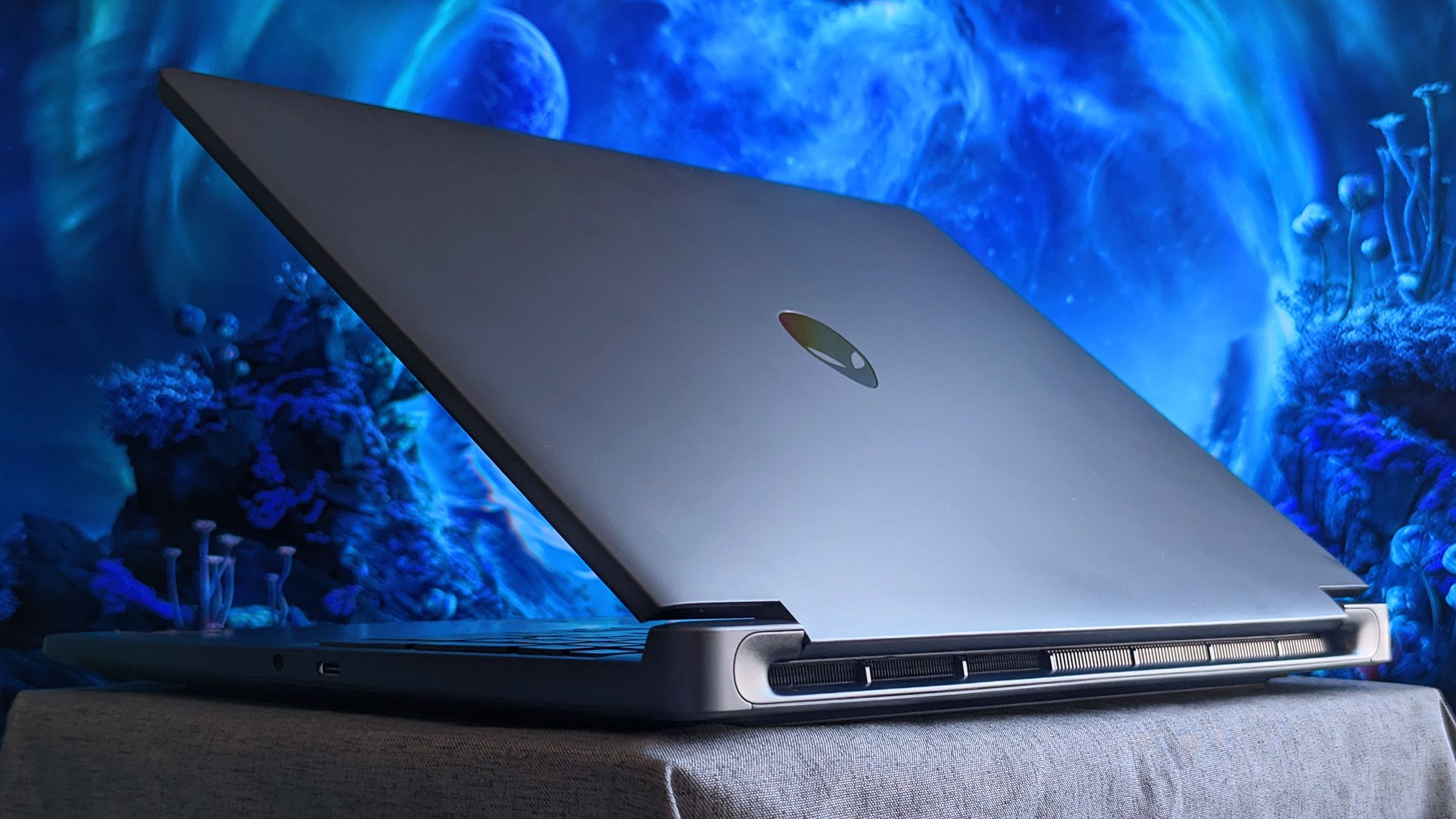
Alienware has ventured into the more accessible segment of the gaming laptop market with their latest 15-inch offering, featuring the NVIDIA GeForce RTX 5050 graphics card. This move aims to democratize gaming performance, bringing dedicated GPU power to a wider audience. The inclusion of the RTX 5050, while a step up from integrated graphics, positions this laptop as an “entry-level” gaming machine. In theory, this should translate to an enjoyable experience for many modern titles, especially when leveraging NVIDIA’s impressive DLSS (Deep Learning Super Sampling) technology.
DLSS has been a game-changer for PC gaming, utilizing AI to render games at a lower resolution and then intelligently upscale them to the native display resolution. This process significantly boosts frame rates without a proportional dip in visual fidelity, making demanding games more playable. For the RTX 5050, DLSS is not just a nice-to-have; it’s an essential tool for maximizing its potential. Without it, many of the latest AAA titles would struggle to maintain smooth gameplay at higher settings on a 15-inch display. Early indications suggest that with DLSS enabled, this Alienware laptop can deliver capable gaming performance, rendering many popular esports titles and even some graphically intensive games at respectable frame rates.
However, as with any “entry-level” product, compromises are inevitable. While the RTX 5050 provides a solid foundation, the overall user experience is unfortunately hampered by several significant drawbacks. Chief among these concerns are the loud fans and tight storage. These issues, while perhaps overlooked in initial marketing material, can profoundly impact the day-to-day usability and long-term satisfaction of the device.
The Sonic Assault: Understanding Fan Noise
Gaming laptops, by their very nature, generate substantial heat when under load. The powerful components, particularly the CPU and GPU, require robust cooling solutions to prevent thermal throttling and ensure sustained performance. Alienware, known for its performance-oriented machines, typically employs sophisticated cooling systems. However, in this “entry-level” model, it appears that the cooling solution, while effective in keeping temperatures in check, comes at a considerable acoustic cost. The fans on this Alienware 15 are reportedly loud, and this noise level can be quite intrusive, especially during extended gaming sessions.
The intensity of the fan noise is often directly proportional to the workload. When running demanding games, the fans will spin at higher speeds, resulting in a noticeable increase in decibels. This can be particularly problematic for users who enjoy immersive single-player experiences where ambient sound design plays a crucial role, or for those who communicate with teammates via voice chat, as the fan noise can interfere with clear audio transmission.
Fact: Studies have shown that prolonged exposure to noise levels above 85 decibels can lead to hearing damage. While gaming laptop fans typically don’t reach such extreme levels, consistently loud noise can still cause fatigue and discomfort.
Tip: To mitigate the impact of fan noise, consider using a good pair of noise-canceling headphones. This will not only immerse you further into your game but also significantly reduce the perceived loudness of the laptop’s fans. Additionally, ensuring proper ventilation around the laptop, by placing it on a hard, flat surface and avoiding soft furnishings, can help the cooling system operate more efficiently, potentially reducing the need for aggressive fan speeds.
The Storage Squeeze: A Modern Gaming Dilemma
The second major concern highlighted is the limited storage capacity. Modern games are notoriously large, with many AAA titles consuming upwards of 100GB of space. The trend towards larger game sizes is only expected to continue. For an “entry-level” gaming laptop, the inclusion of a small storage drive can quickly become a frustrating bottleneck, forcing users to constantly make difficult decisions about which games to install and play.
A common configuration for such a laptop might include a smaller SSD (e.g., 256GB or 512GB) paired with a larger, but slower, HDD. However, even a 512GB SSD can fill up rapidly with just a few modern titles. This necessitates frequent uninstallation and reinstallation of games, which can be time-consuming and disruptive to the gaming workflow. The reliance on cloud storage or external drives, while an option, is not as seamless as having ample internal space.
Fact: The average size of AAA game installations has increased by approximately 50% over the last five years.
Tip: When purchasing this Alienware model, it is highly recommended to prioritize configurations with the largest possible storage drive. If the base configuration is insufficient, consider upgrading the storage yourself if the laptop allows for it, or factor in the cost of an external SSD for game storage. Regularly clearing out unused games and applications, and utilizing tools like Steam’s library manager to move games between drives, can also help manage limited space effectively.
The Verdict: A Capable Performer with Caveats
The Alienware 15 with the RTX 5050 graphics card is an interesting proposition for those looking to enter the world of PC gaming without breaking the bank. It leverages NVIDIA’s powerful DLSS technology to deliver a visibly smoother and more enjoyable gaming experience than many other “entry-level” options. The 15-inch form factor strikes a balance between portability and screen real estate.
However, potential buyers must be acutely aware of the trade-offs. The auditory assault of the cooling fans and the significant limitations imposed by tight storage are not minor inconveniences; they are substantial factors that can detract from the overall gaming experience. While NVIDIA’s clever upscaling tech is a powerful enabler, it cannot entirely compensate for these hardware limitations. Prospective customers would be well-advised to carefully weigh these downsides against the performance benefits and the price point before making a purchase decision.
Key considerations for potential buyers:
- The importance of noise-canceling headphones for an immersive experience.
- The necessity of planning for storage solutions, either through upgrades or external drives.
- The benefits of utilizing DLSS to its full potential for optimal frame rates.
- The overall value proposition when factoring in the cost of potential upgrades or accessories to mitigate drawbacks.